9 AI services · 1 keyboard-driven app
Every AI.
One workspace.
Nine AI models, a personal vault, and nine productivity tools in a single desktop app. No cloud. No account. 100% local. Built for the keyboard.
Free & open source · Windows 10/11
Thred — Home
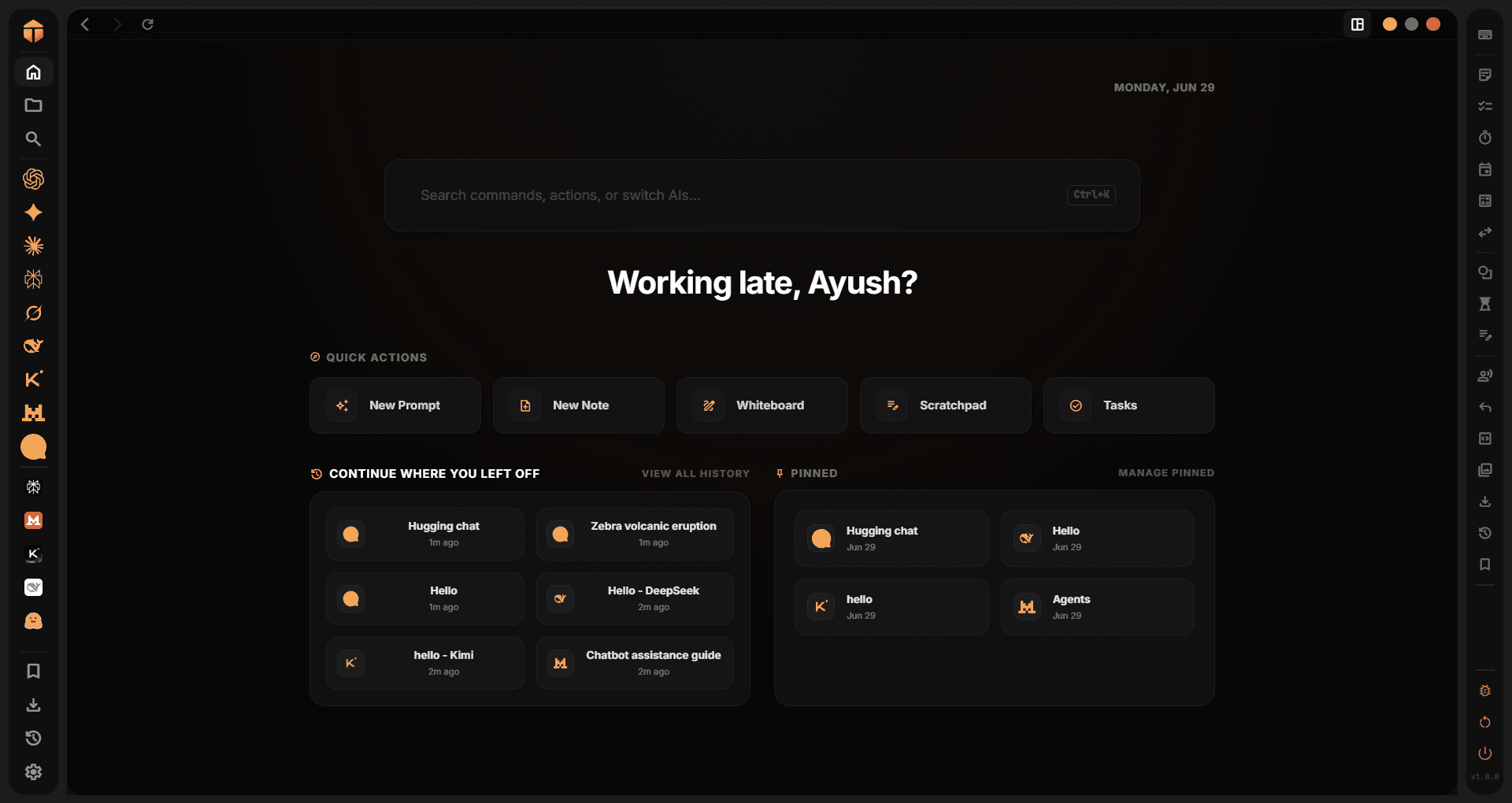
One window for every major AI





Every AI. Every tool. One app.
Thred isn't just a browser for AI — it's a complete workspace built around how you actually work.
Thred — AI Models
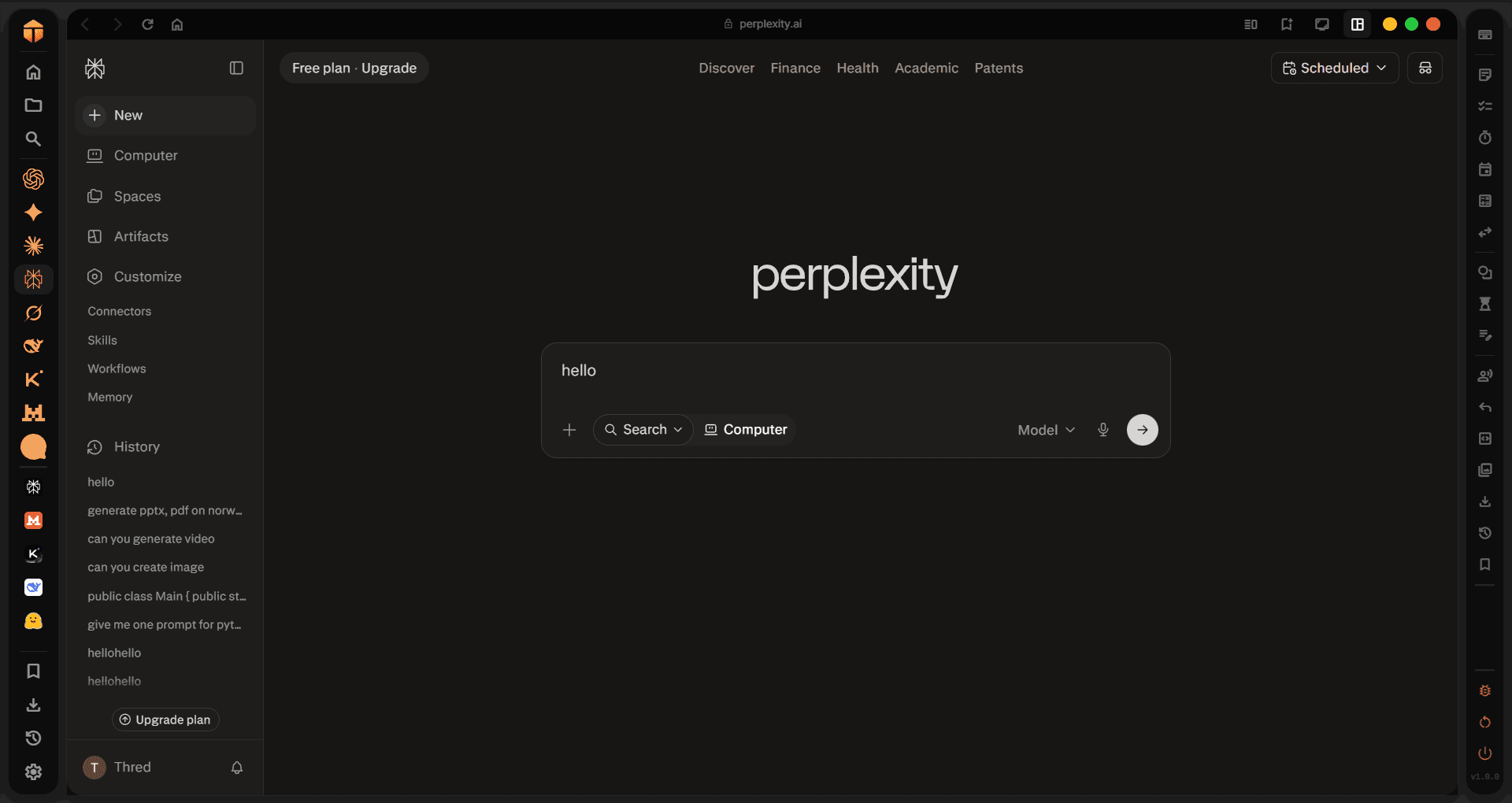
Alt+1–9
9 AIs, one window
ChatGPT, Gemini, Claude, Perplexity, Grok, DeepSeek, Kimi, Le Mistral, HuggingChat — each in an isolated webview. Log in once, stay logged in.
- 9 built-in AI providers
- Isolated sandboxed webviews
- Persistent sessions across restarts
- Drag & drop reorder in sidebar
- Per-AI zoom 50%–200%
- Disable unused AIs to save memory
How it works
From open to saved — in seconds.
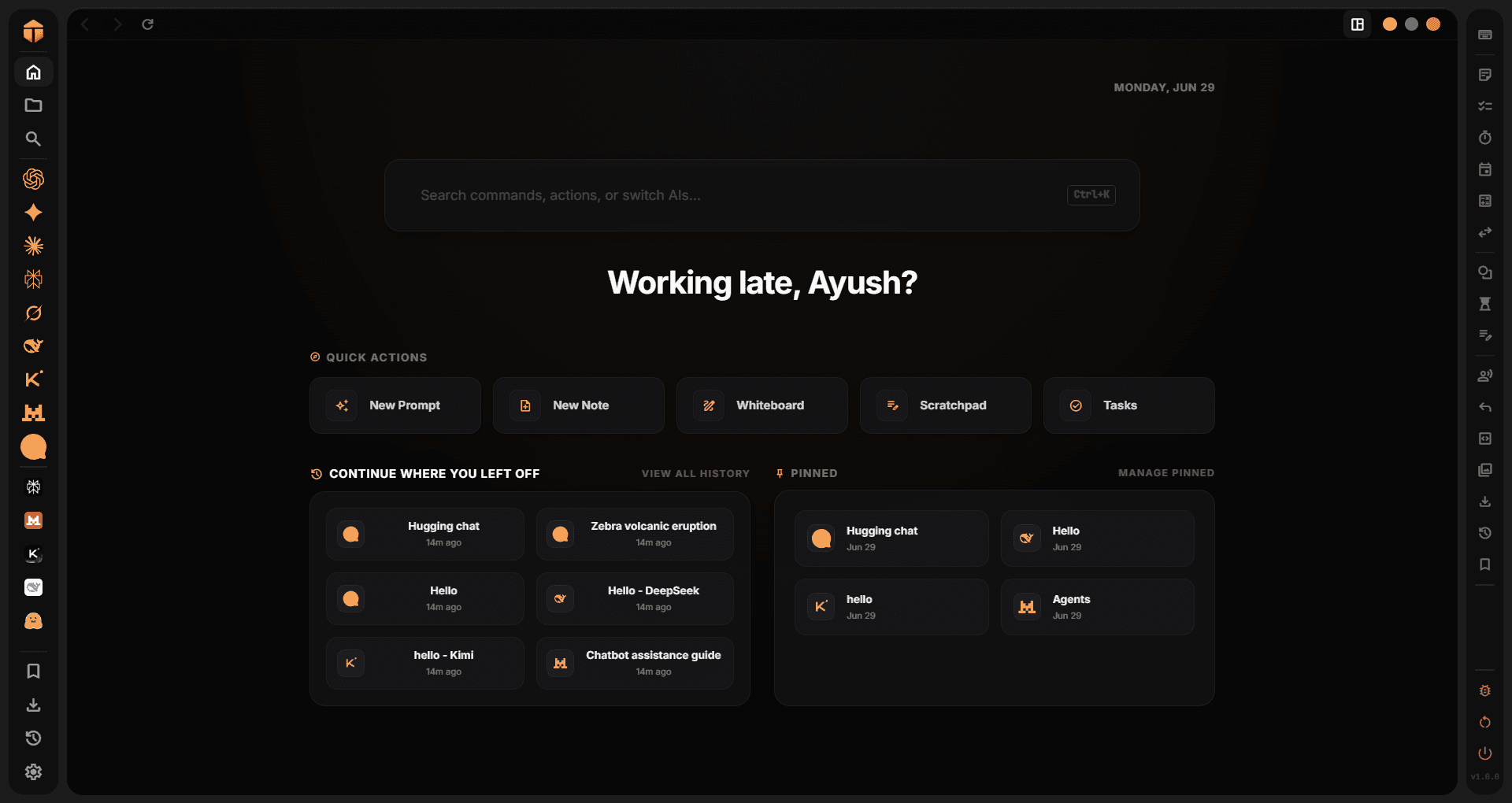
Thred — Step 01
Questions, answered
Everything you need to know before you download.
Stop juggling tabs.
Start using Thred.
Free, open source, and entirely local. Download it once and every AI lives in one window.